Admin Dashboard
Last updated on: 2026-05-27 | Updated by: MAGNI Docs Team
The Dashboard page is the central hub for administrators in the Magni LMS. It provides a high-level overview of system metrics, allows administrators to switch between different custom dashboards, and embeds the course catalog for easy access to learning materials.
👤 Visible to: Administrators and System Administrators
Page Sections
Dashboard Selection and Controls
This section allows you to select which dashboard view you want to display and edit the layout of your active dashboard. When you navigate to this page, the left navigation sidebar automatically collapses to maximize your workspace and give you a clear view of your data.
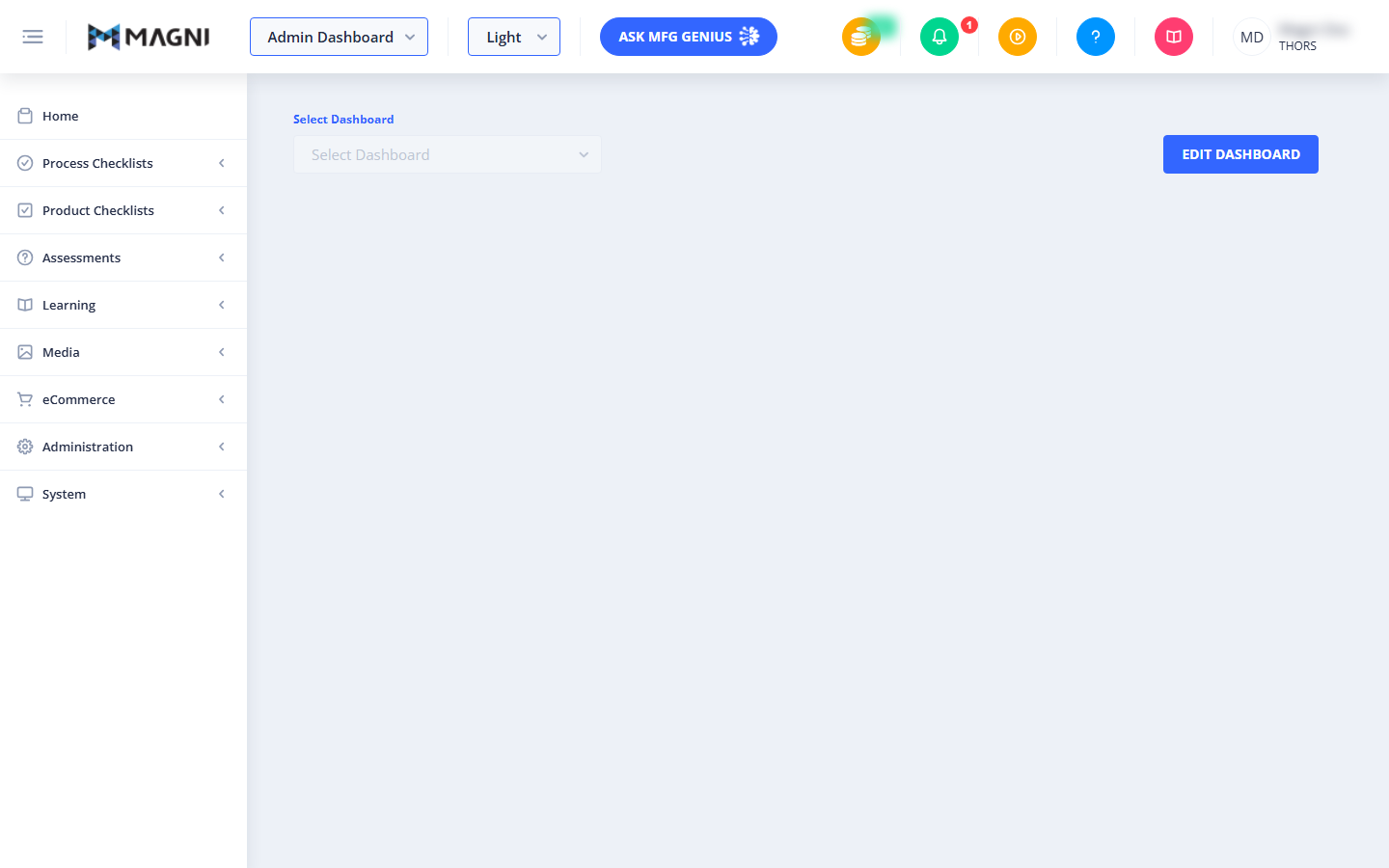
- Select Dashboard Dropdown: Click this dropdown to choose from your saved or pre-configured dashboards.
- Edit Dashboard Button: Click this button to customize the widgets, layout, and data sources displayed on the selected dashboard.
Course Catalog Integration
The dashboard also integrates the course catalog directly into the page, allowing you to browse, search, and manage available courses and learning paths without leaving your main administrative view.
Common Actions
| Action | How to do it |
|---|---|
| Select a Dashboard | Click the Select Dashboard dropdown, browse the list of available dashboards, and click on the one you want to load. |
| Edit Dashboard Layout | Select a dashboard from the dropdown, then click the blue Edit Dashboard button to enter customization mode. |
| Expand the Sidebar | If you need to navigate to another section of the LMS, click the menu icon (three horizontal lines) in the top-left corner of the header to expand the main navigation sidebar. |
Tips
- Maximize Your View: The system automatically collapses the left-hand navigation menu when you open the dashboard to give you more screen space for charts and tables. You can bring it back at any time by clicking the menu icon in the top-left header.
- Customize for Your Role: Use the Edit Dashboard button to arrange widgets so that the most critical metrics for your daily tasks are always visible at a glance.