Supervisor Dashboard
Last updated on: October 16, 2026 | Updated by: MAGNI Docs Team
The LMS Supervisor Dashboard serves as the primary landing page for supervisors in Magni. It provides a centralized view for accessing supervisor tasks, such as reviewing and approving learner activity sign-offs.
Overview
The dashboard gives supervisors direct access to learner sign-off workflows. From this page, supervisors can quickly monitor pending activity approvals and navigate to detailed approval management screens.
Page Sections
Supervisor Dashboard
The dashboard displays task cards that link directly to supervisory workflows.
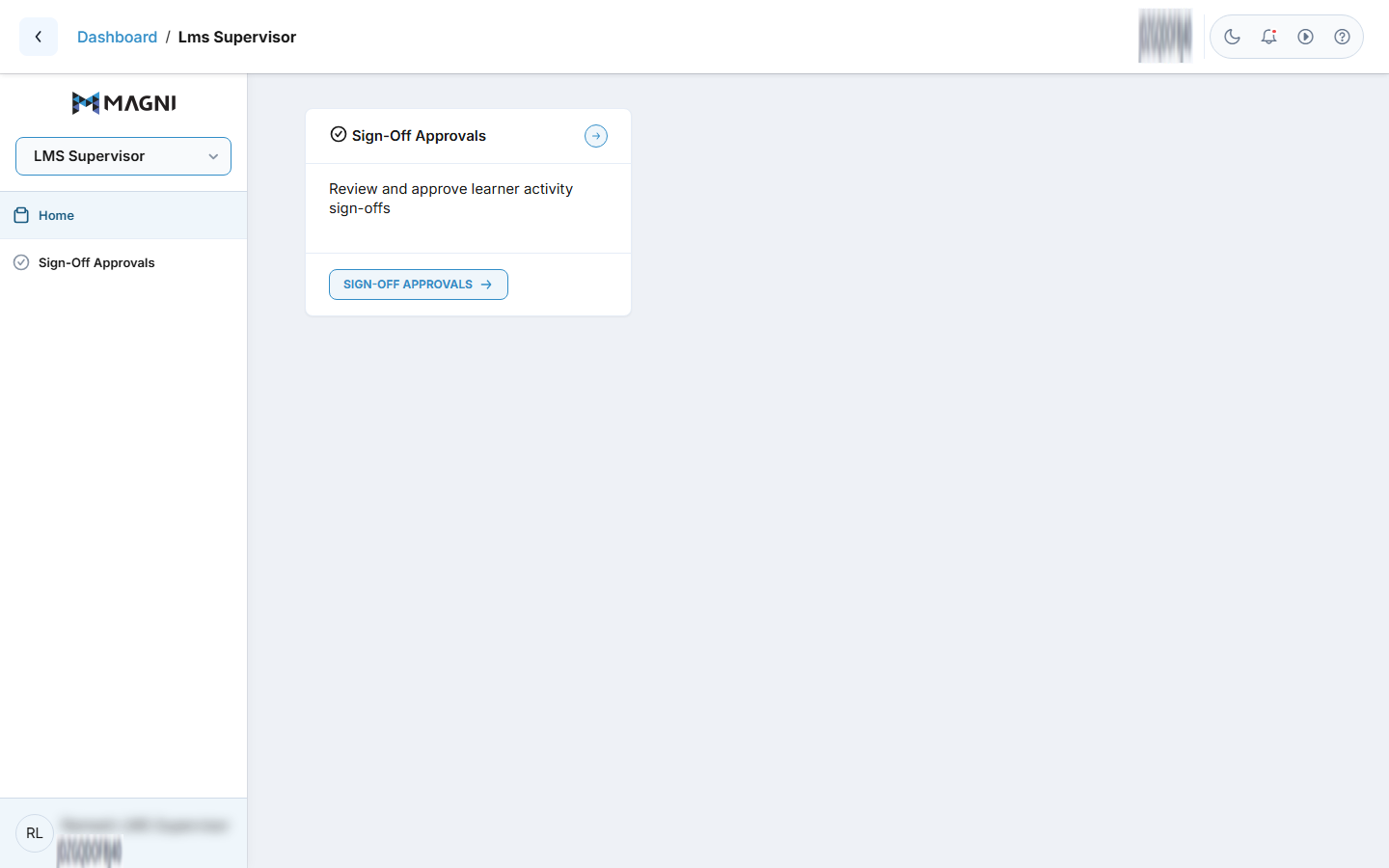
The dashboard includes the following card section:
- Sign-Off Approvals Card Header: Shows a checkmark icon, the section title "Sign-Off Approvals", and a quick-action circular arrow button on the top right corner that links to the Sign-Off Approvals page.
- Sign-Off Approvals Description: Displays summary text reading "Review and approve learner activity sign-offs".
- Sign-Off Approvals Footer Button: Contains a Sign-Off Approvals button with an arrow icon that navigates directly to the learner sign-off management screen.
Common Actions
| Action | How to do it |
|---|---|
| Access Learner Sign-Offs | Click the circular arrow button in the card header or click the Sign-Off Approvals button in the card footer. |
| Navigate via Sidebar | Click Sign-Off Approvals in the left navigation menu. |
Tips
- Visit this dashboard regularly to ensure timely sign-off and progression for your assigned learners.
- You can navigate to sign-off approvals using either the main navigation card on the dashboard or the left navigation menu.