Documents — Edit
Last updated on: 2026-05-25 | Updated by: MAGNI Docs Team
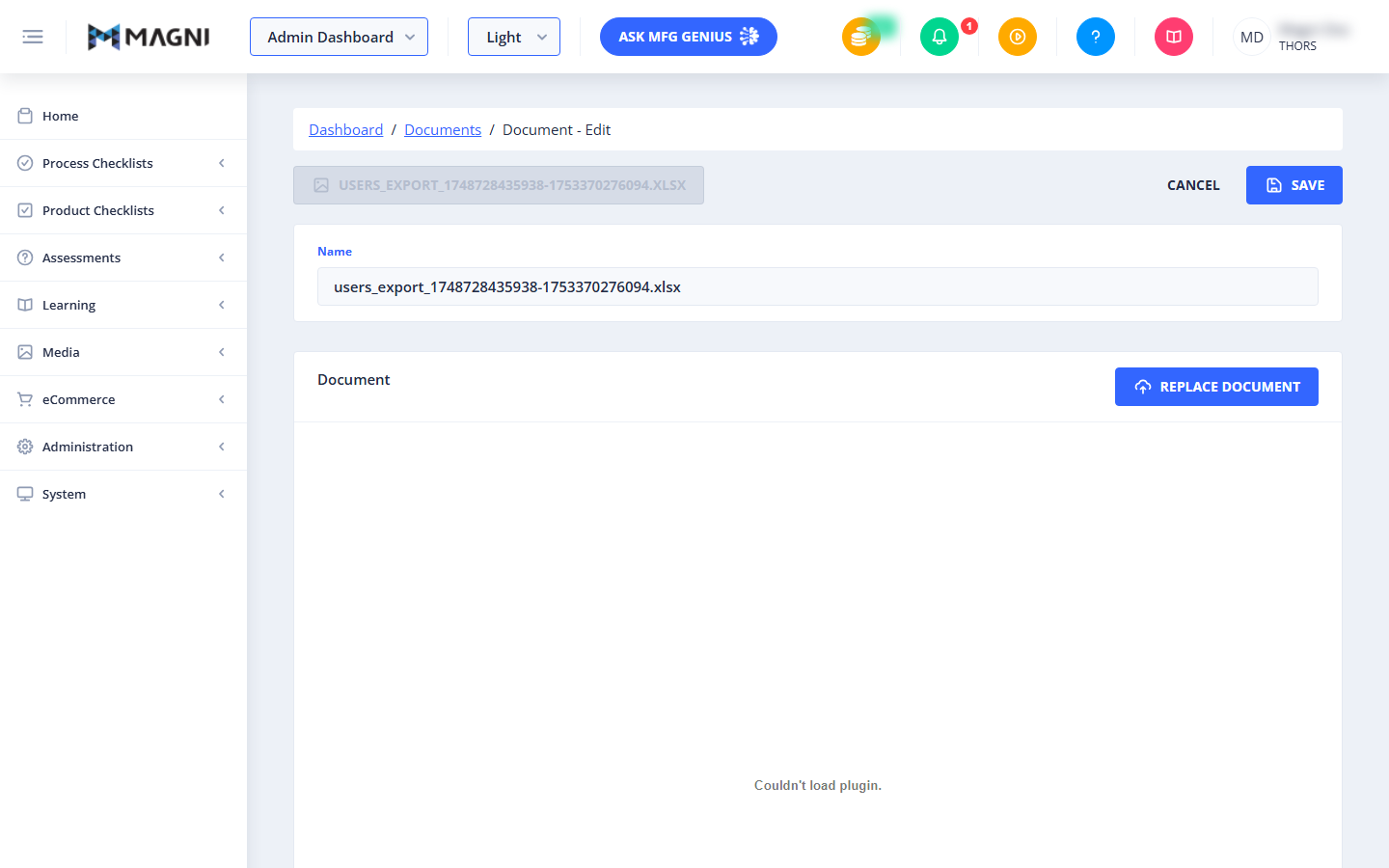
This page allows administrators to view and modify the details of an existing document within the Magni Learning Management System. You can update the document's display name and replace the associated file.
Page Sections
The Documents — Edit page is divided into several key areas:
-
Breadcrumb Navigation This navigation path shows your current location within the Magni LMS:
Dashboard / Documents / Document - Edit. You can click onDashboardorDocumentsto navigate back to those pages. -
Document Header At the top of the form, a disabled button displays the original file name of the document currently being edited (e.g.,
USERS_EXPORT_1748728435938-1753370276094.XLSX). If the document's original file name is not available, it will display "Image". -
Action Buttons Located on the right side of the document header, these buttons allow you to manage your changes:
- Cancel: Click this button to discard any unsaved changes and return to the main Documents list.
- Save: Click this button to apply your changes to the document. This button is disabled if the document's display name is empty or invalid, or if the form is currently being submitted.
-
Error Message
⚠️ This section only appears if an error occurs during form submission or validation. An alert box will display a relevant error message (e.g., "A valid name is required.") if there are issues saving your document.
-
Document Details This card contains the editable information for your document.
- Name: This is a required text field where you can edit the display name of the document. It has a maximum length of 100 characters. This name is used for display within the Magni LMS. If left empty, the Save button will be disabled.
-
Document Content This card displays the embedded content of the document and provides an option to replace the file.
- Document Viewer: This area displays the content of the document, typically a PDF file, allowing you to preview it directly on the page. The alternative text for the embedded