AI Reports
Last updated on: 2026-05-26 | Updated by: MAGNI Docs Team
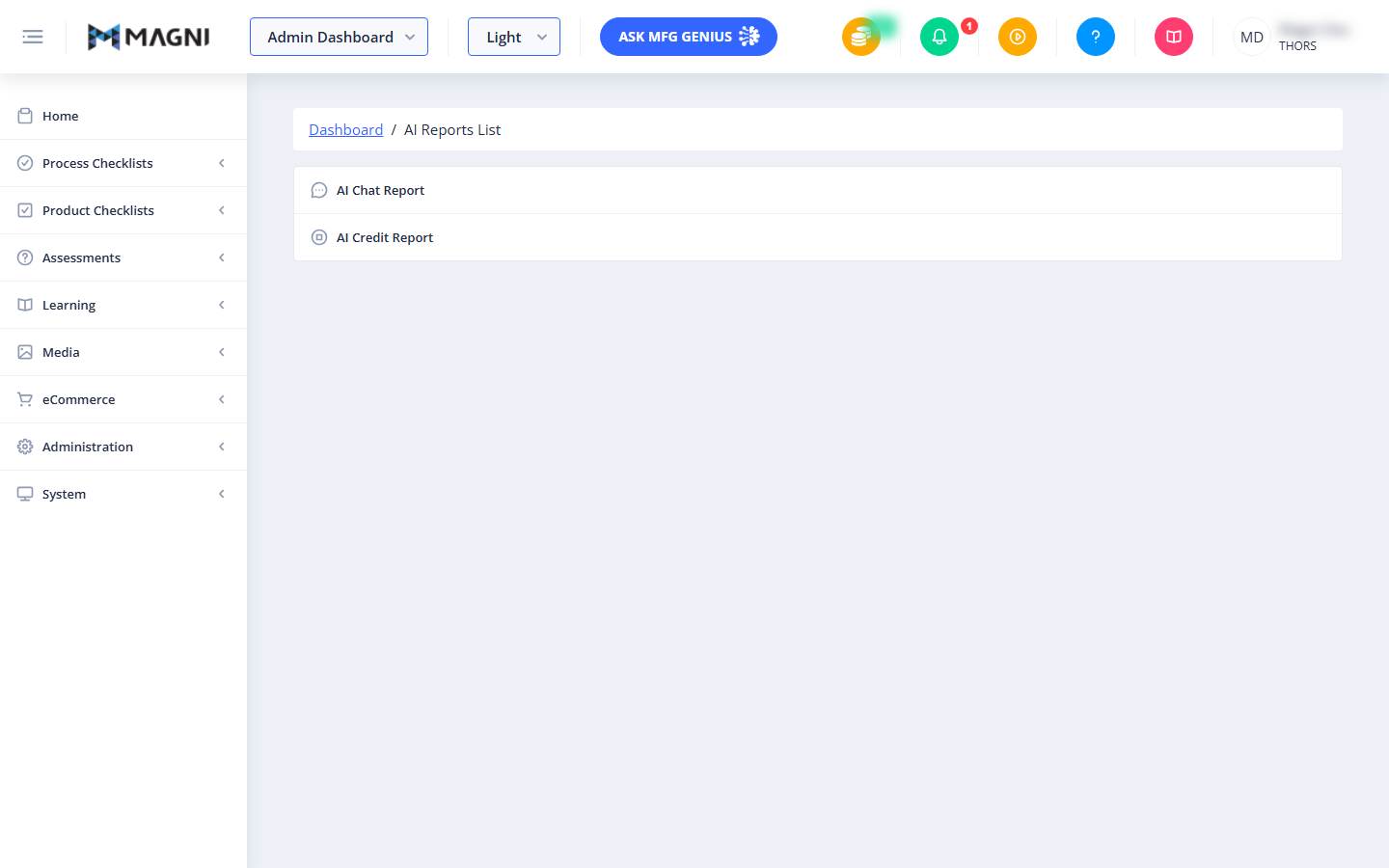
The AI Reports page provides administrators with a centralized hub to access detailed analytics and usage statistics for the platform's artificial intelligence features. From this page, administrators can navigate to specific logs and credit tracking reports to monitor how AI tools are being utilized across the system.
👤 Visible to: Administrators, System Administrators
Page Sections
Breadcrumb Navigation
The breadcrumb trail at the top of the page helps you keep track of your location within the Magni administration portal. You can click the "Dashboard" link to quickly return to the main administrative dashboard.
AI Reports List
This section contains a menu of all available AI-related reports. Selecting an option redirects you to the respective reporting dashboard:
- AI Chat Report: Click this option to view detailed logs and history of user interactions with the AI chat assistant.
- AI Credit Report: Click this option to view reports on AI credit consumption, remaining balances, and usage limits.
Common Actions
| Action | How to do it |
|---|---|
| View AI Chat History | Click on AI Chat Report in the main menu list. |
| View AI Credit Usage | Click on AI Credit Report in the main menu list. |
| Return to the Dashboard | Click the Dashboard link in the breadcrumb navigation trail at the top-left of the page. |
Tips
- Monitor Credit Consumption: Regularly check the AI Credit Report to ensure your organization has sufficient credits to prevent any service interruptions for your users.
- Analyze Chat Trends: Use the AI Chat Report to understand what topics or questions your users are asking most frequently, which can help you identify areas where additional training or documentation might be needed.